How a Promise Works
A signed, audit-trailed agreement between two friends. Replaces the mental tally, the screenshot of a bank transfer, and the awkward chase-up text.
Create a Free AccountCreate a Promise
Set the amount, the due date, and who's involved. Pick whether you're lending or borrowing. Add a short description so future-you remembers what it was for.
- Lender or borrower: your role is recorded on the contract
- Due date with optional grace period
- Free for everyone, with no card required to sign up
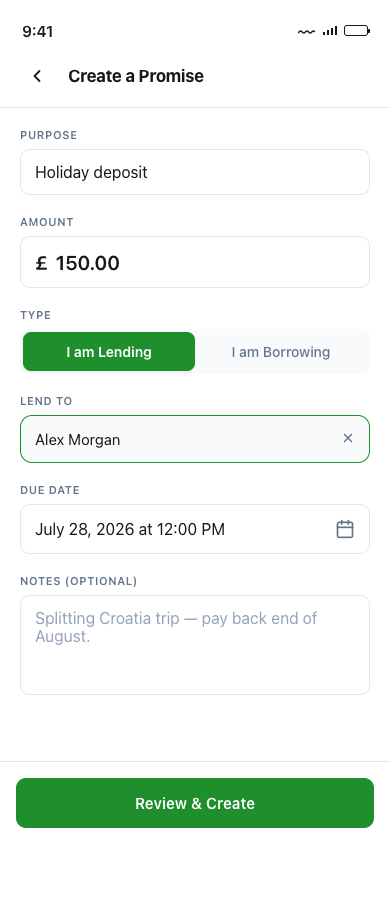
Both Sides Sign
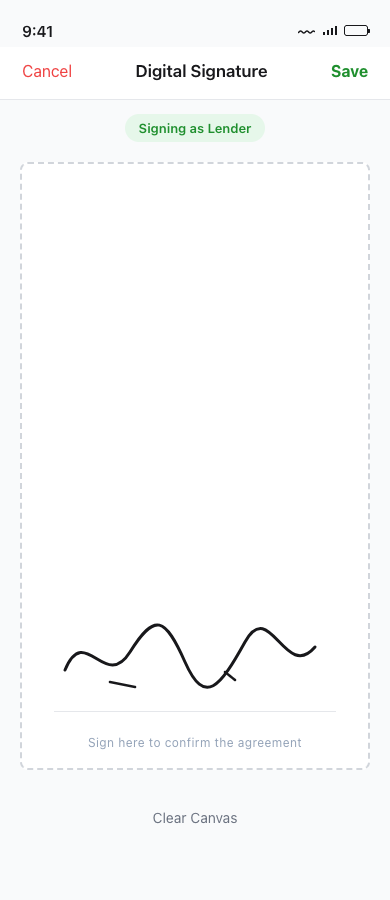
The other person gets a link by email or SMS. They review the agreement, sign with their finger or mouse, and a contract PDF is generated and stored on both sides. No promise becomes binding until both signatures are recorded.
- Both signatures captured before the promise goes active
- Contract PDF stored permanently for both parties
- Audit trail records IP address, device, and timestamp
Mark Paid & Confirm
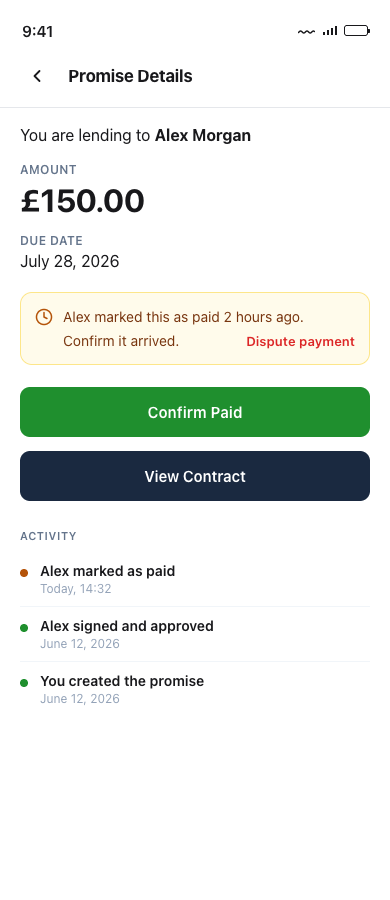
When the borrower sends the money, they tap Mark as Paid. The lender confirms the transfer arrived. The promise moves to your past list, the contract is closed out, and both sides have a permanent record. Open Banking auto-confirmation is on the way, so soon you won't even need the lender to confirm manually.
- Lender gets push + email reminders to confirm
- Auto-resolution if the lender goes silent for 14 days
- Open Banking integration coming, with auto-confirm on transfer
How a SharePay Promise works
A Promise is a digital record of money lent between two people that both sides sign. The lender sets the amount and a repayment date, the borrower signs by following a link, and both keep a timestamped copy. SharePay tracks the balance until it is settled. SharePay does not lend money, hold your funds, or charge interest. It records the agreement you have already made with each other.
-
1. Create the promise
Enter who owes what, how much, and when it should be paid back. It takes about a minute, and it is free.
-
2. Both people sign
Your friend gets a link and signs to confirm the terms. Because both parties agree in writing, there is no later disagreement about whether the money was a loan or a gift, the single most common cause of fallings-out over informal lending.
-
3. Track it until it is settled
SharePay keeps a running balance and an audit trail of every payment, so nobody has to send an awkward reminder from memory. When the balance reaches zero, the promise is marked settled.